 99DFY Screenshots
99DFY Screenshots
99DFY Screenshots
Free from 99DFY
One key grabs any part of your screen and puts it straight on your clipboard, perfect for webinars and demos. Add arrows, boxes, blur and numbered steps, cut out columns or rows, and get a shareable link in one click.
Sign up with Google or your email. Takes 10 seconds.
Continue with GoogleWe email you a one-click sign-in link. No password. By signing up you agree to the Terms and Privacy Policy.
Press ⌥⇧S, drag a box, let go. It's on your clipboard. Paste it with ⌘V.
The page freezes while you choose an area, so a moving webinar or video won't blur your shot.
Scrolls and stitches the full page into one image. Sticky headers show once, not on every screen.
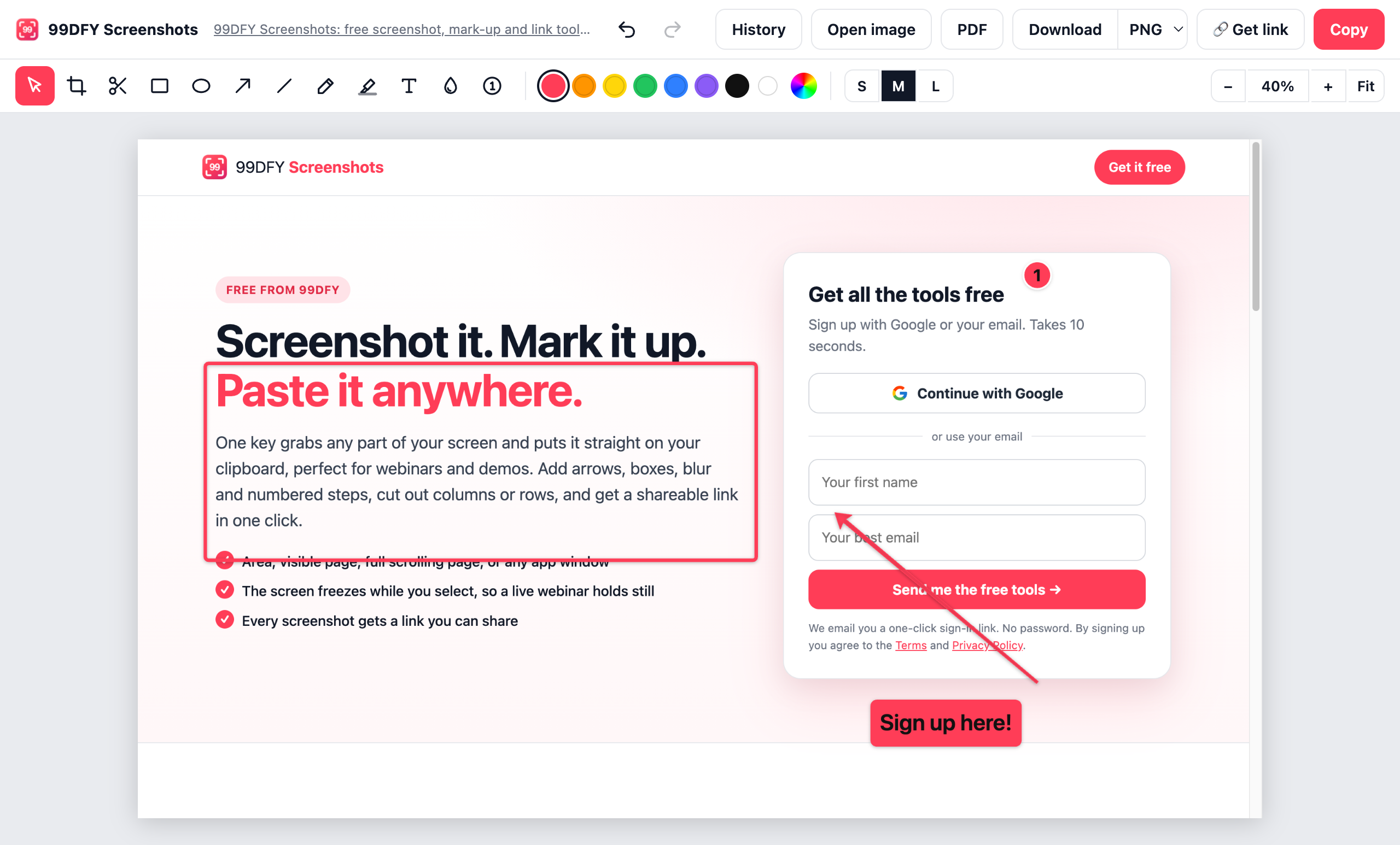
Arrows, boxes, circles, highlighter, text that stays readable, blur for private details, numbered steps.
Remove a strip from the middle of a table and the halves close up, like Snagit's Cut Out.
Every screenshot is saved online with a link you can share, and all your links are in one place.
Every mark stays editable until you copy: move it, recolour it, resize it. Undo everything. Then Copy, Download, PDF, or Get link.
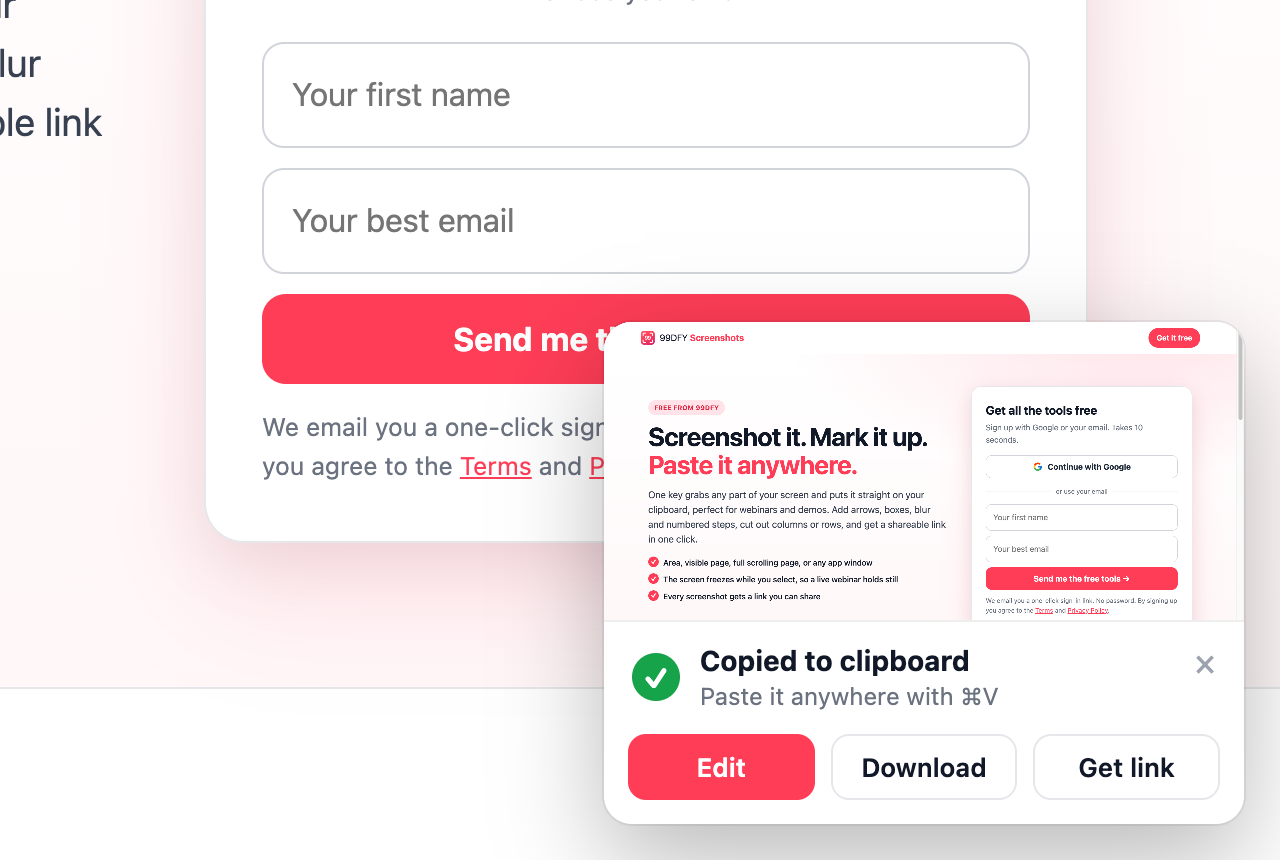
A small card confirms it's on your clipboard, with Edit, Download and your link right there. It tidies itself away.
Sign up with Google or your email. Takes 10 seconds.
Continue with GoogleWe email you a one-click sign-in link. No password. By signing up you agree to the Terms and Privacy Policy.